
Basic How-to-Use Guide
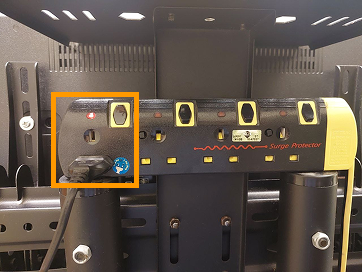
Plug in the power extension and turn on the switch. You can use the other plugs on the power extension to power your device.
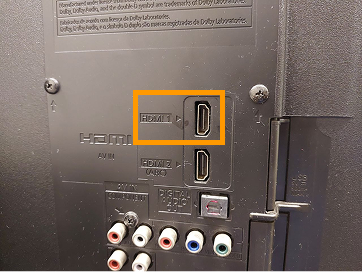
Connect your device to the TV using an HDMI cable. An HDMI cable will be provided by the IT department.
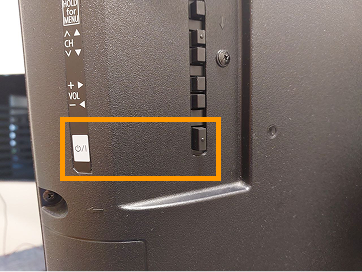
Press the power button to turn on the TV.
Playing Media from a USB
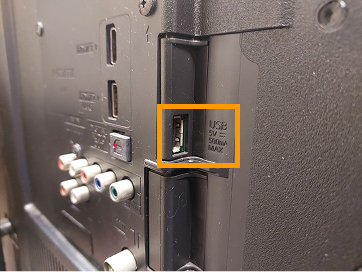
You can also play media from a USB device. Check out the media and USB requirements and contact the IT department for further assistance.