
Turning on the Hall 2 Front and Back Projector, and Projectionist PC
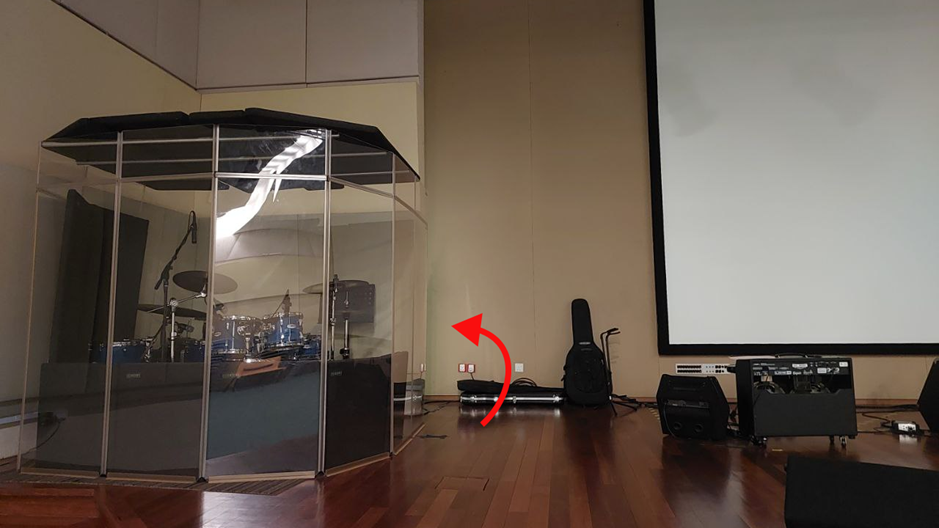
Go to the rack room at the back of the Hall 2 stage.
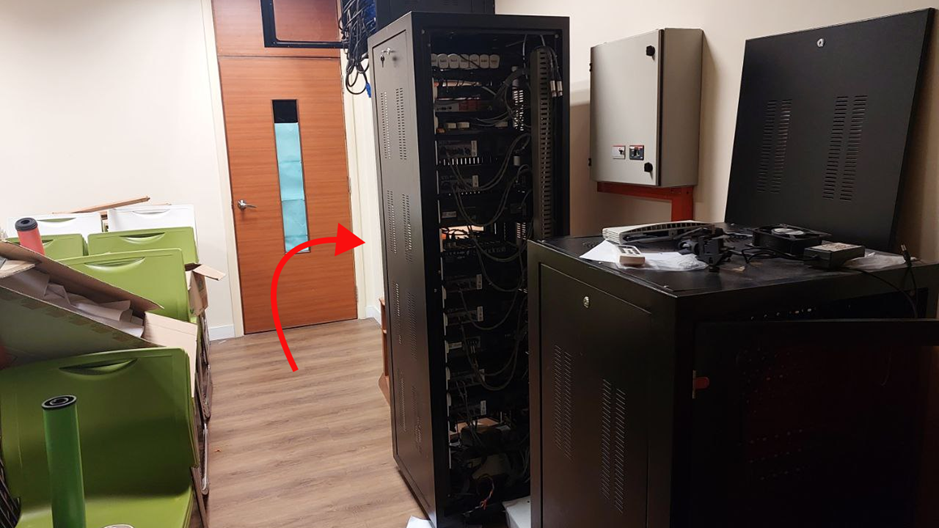
Go to this server rack in the room.
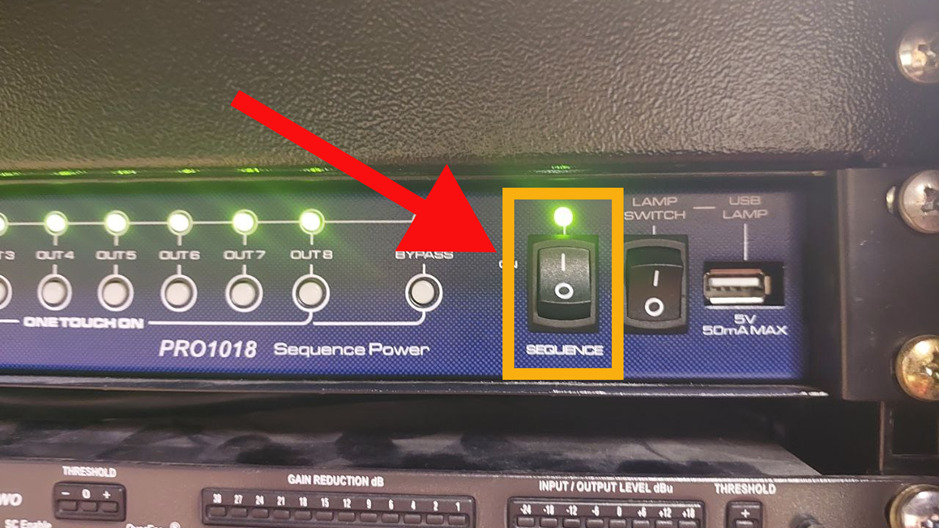
At the TOP of the server rack, turn ON the sequencer by pressing this button.
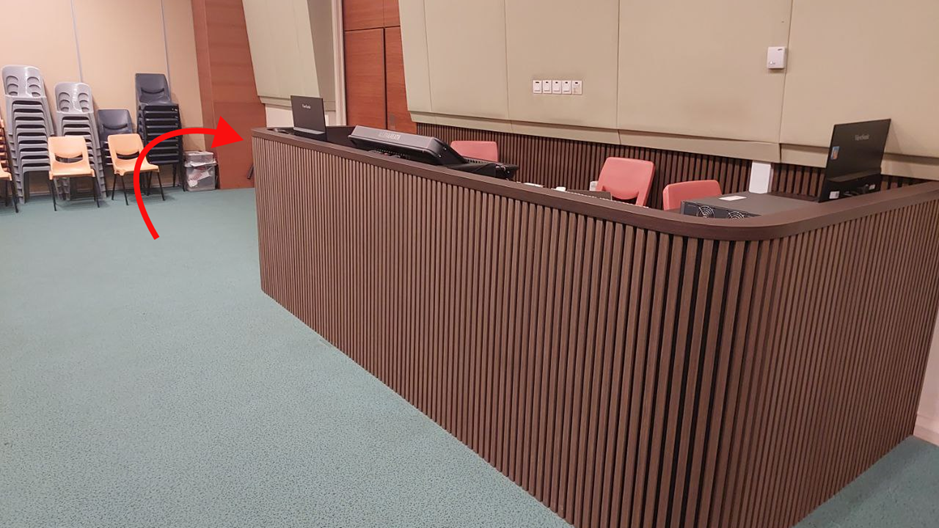
Head to the sound console area. The rest of the switches are here.
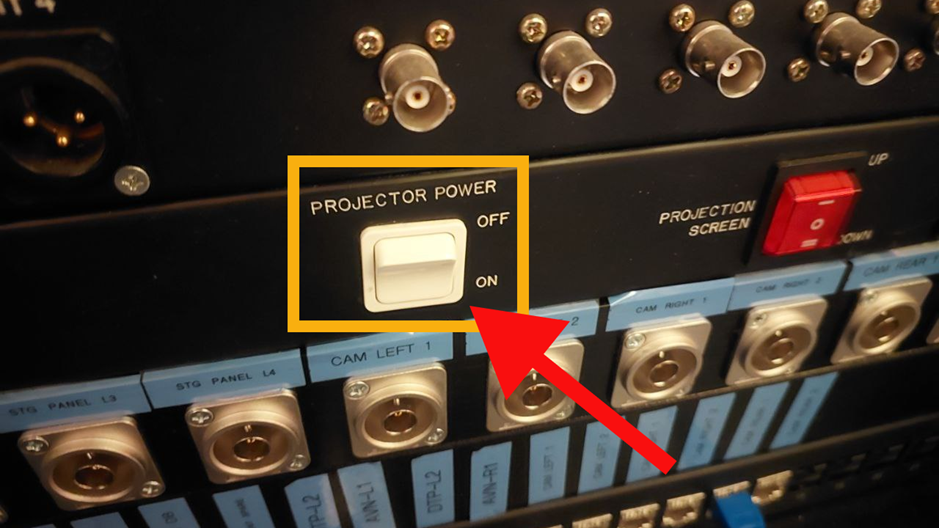
Locate this server rack UNDER the sound console. Press this button to power ON the front projector.
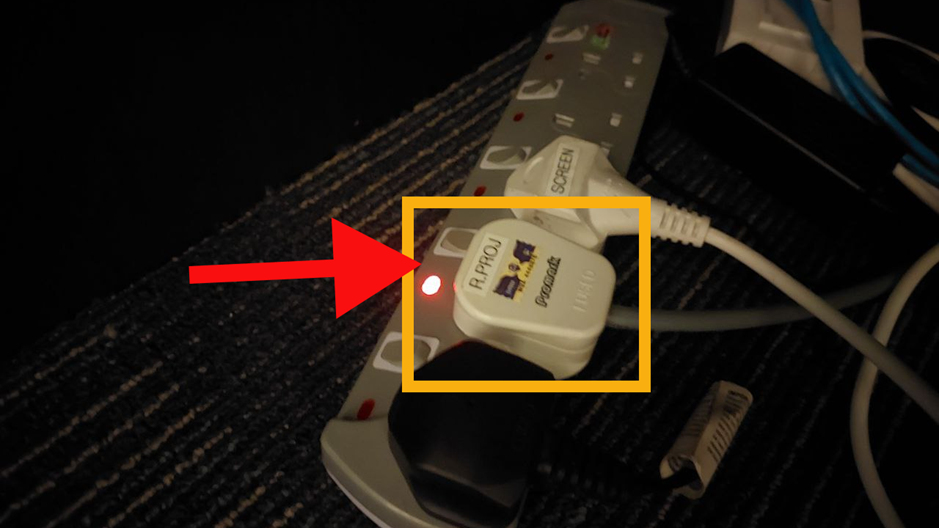
Locate this power extension under the sound console table. Turn ON THIS switch to power ON the rear projector.
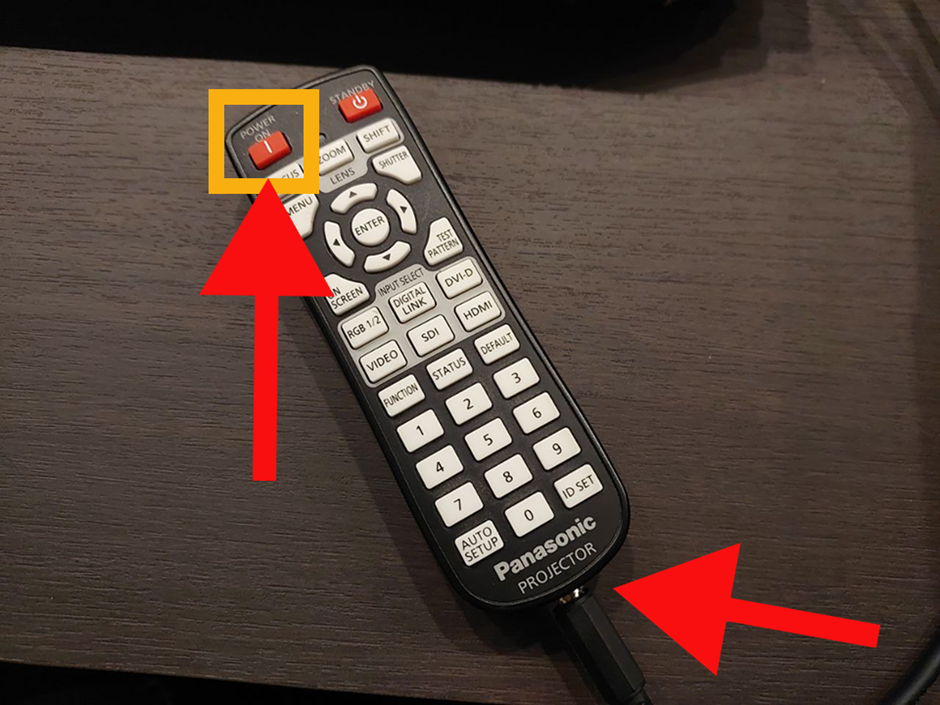
Use this remote to turn ON the front projector. Press the POWER on button. Make sure this cable is plugged into the remote.
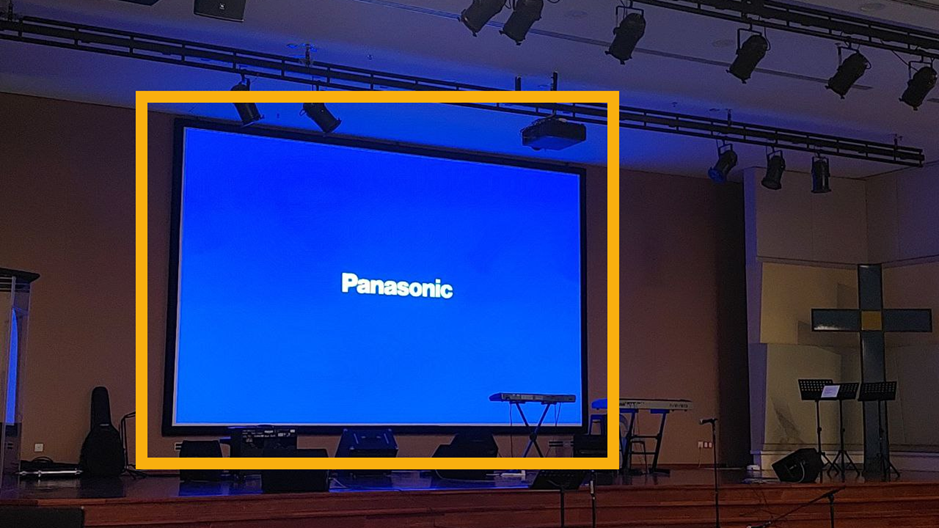
The front projector will show the boot up screen.
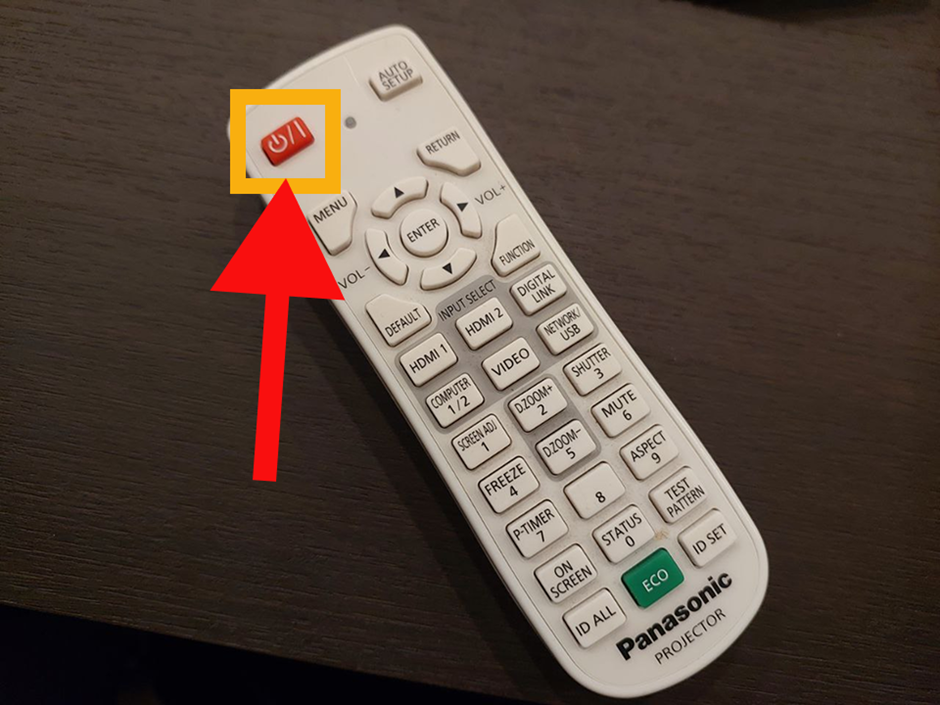
Use this remote to turn ON the rear projector. Press the POWER button.
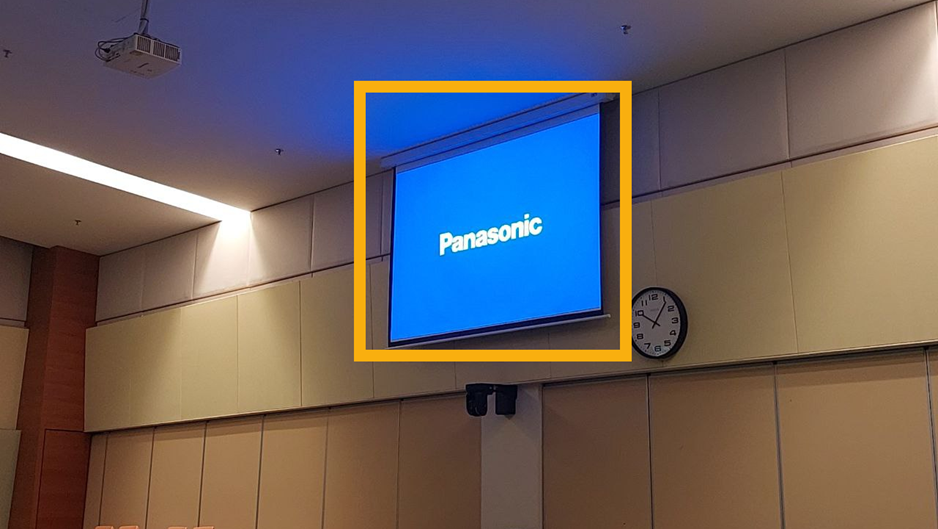
The rear projector will show the boot up screen.
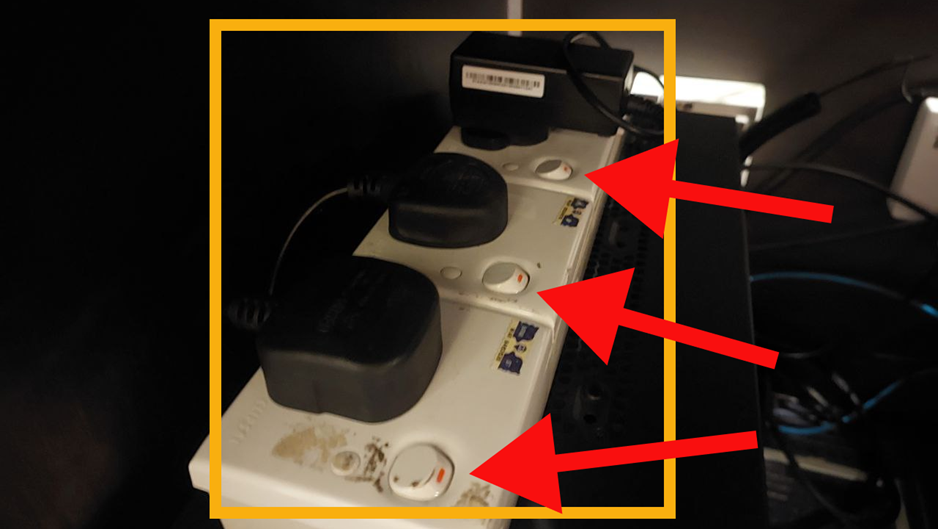
Locate this power extension underneath the sound console. Turn ON ALL these switches.
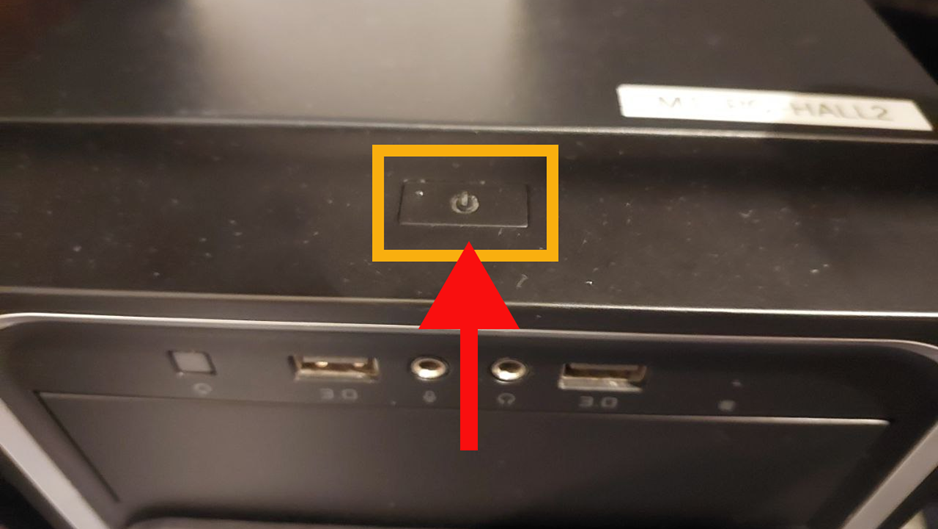
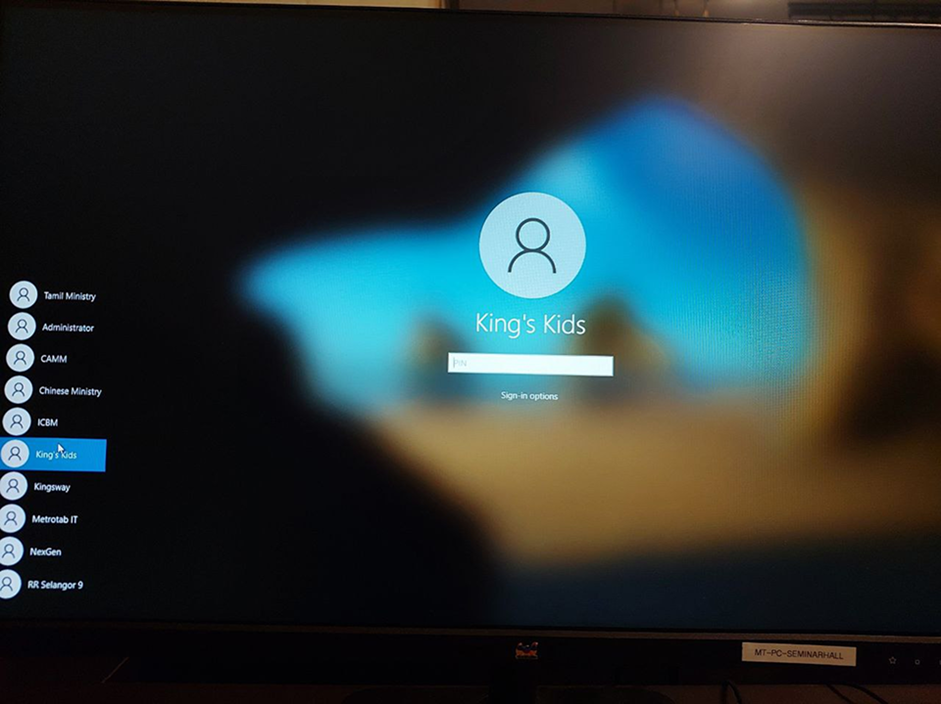
Select your user and type in your PIN.
If this screen does not show, make sure the configuration of the screens are correct.